

How to Do Stock Tracking with ERP? 5 Ways to Prevent Errors
How to Do Stock Tracking with ERP? 5 Ways to Prevent Errors
Stock management is a critical process that directly affects profitability for every business, small or large. Errors such as sales lost because a product is out of stock or excess stock costs create inefficiency. For this reason, a stock management system that works integrated with ERP systems is the most effective way to increase both control and efficiency.
In this article, we will focus on how to do stock tracking with ERP, what the most common errors are, and which methods can be applied to prevent them.
What Is Stock Tracking with ERP?
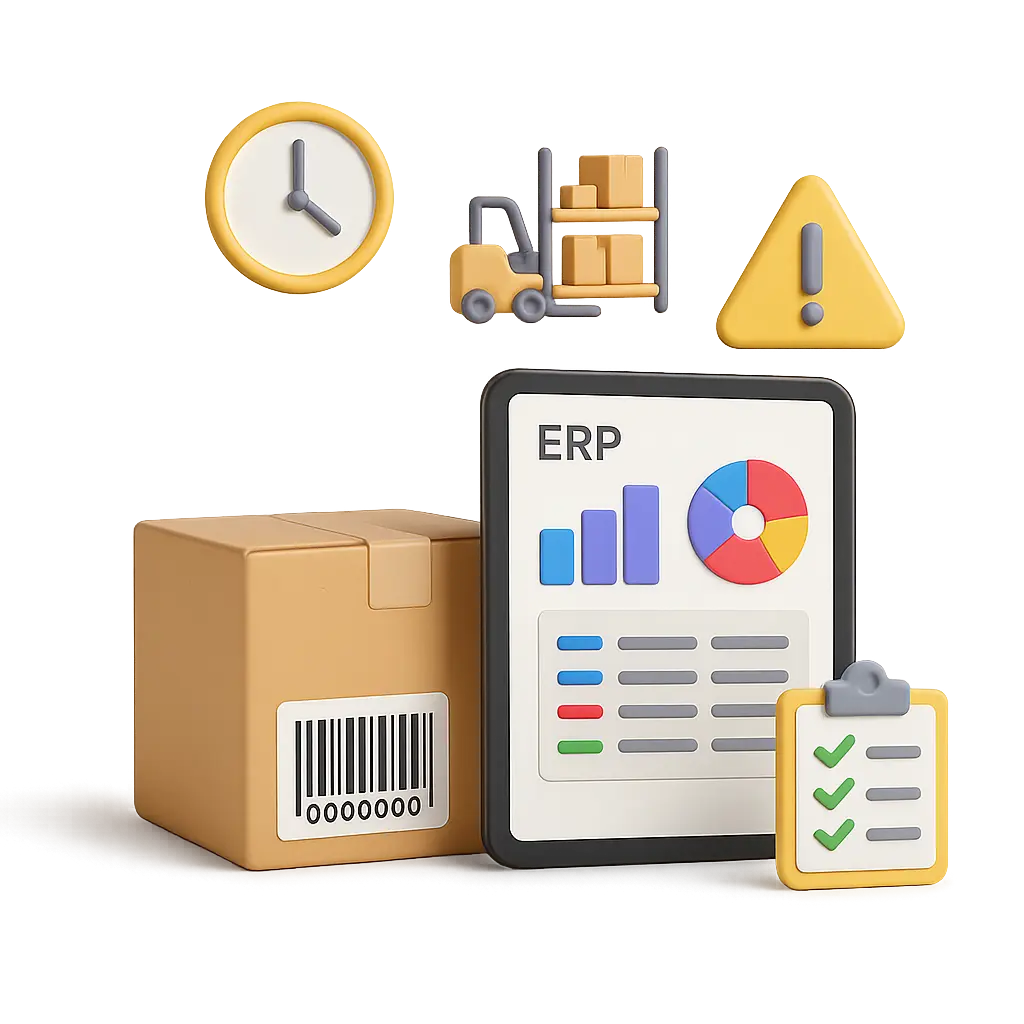
ERP (Enterprise Resource Planning) systems bring all the processes in a business together on a single platform. All movements, from sales to purchasing and from production to shipping, can be monitored through ERP.
The advantages an ERP system offers for stock tracking are as follows:
- Viewing real-time stock status
- Setting minimum and maximum stock levels
- Automatic order suggestions
- Batch/lot, serial number and shelf-based tracking
- Transfer management between warehouses
This reduces the risk of manual errors and minimizes overstock or stock shortages.
Common Errors and Ways to Prevent Them
1. Manual Entry Errors
Manually entered stock receipts/issues are often prone to errors. These errors can be prevented in ERP systems by using barcode or handheld terminal integration.
2. Outdated Stock Data
Finding out after an order that the product is actually not in stock causes serious customer dissatisfaction. With ERP, sales-order-stock synchronization is ensured and real-time updates are made.
3. Overstock and Dead Stock Problems
When it becomes harder to identify products with declining sales, they take up unnecessary space in the warehouse. ERP systems reduce these risks by generating alerts based on stock turnover speed.
4. Lack of Tracking Between Warehouses
If transfers between different branches/warehouses cannot be controlled, stock deviations occur. These movements can be monitored thanks to the transfer module in ERP.
5. Not Defining a Minimum Stock Level
Failing to give a warning before stock runs out causes production/sales losses. Thanks to the critical stock level defined in ERP, automatic order suggestions kick in.
Stock Management Integrated with Mikro ERP
The solutions we offer at Nimbo Yazılım include a stock management system that works in full integration with Mikro ERP. This way:
- Stock updates can be made integrated with sales, purchasing and production data
- Warehouse receipts/issues can be carried out with mobile devices
- Shelf-based and serial-number tracking is provided
- Stock turnover speed, order quantity and critical level analyses can be viewed instantly
Thanks to all these integrations, your business's stock processes speed up, accuracy increases, and losses decrease.
Conclusion: Manage Stock Errors with Data
Stock management is the shared responsibility of the entire business, not just warehouse staff. Setting up stock management that works integrated with ERP systems reduces costs, increases customer satisfaction and raises efficiency.
If you want to manage your stocks more efficiently and minimize errors, get to know Nimbo's Mikro ERP solutions.
Have a question about something you read?
We are happy to talk it through — no obligation. Request a demo or ask for pricing and our team will get back to you shortly.