

NimboX Asset Tracking
Know which asset is with whom, where it sits and what condition it is in — from assignment through to depreciation.
Who uses the Asset Tracking module
Manages assignments, locations and the maintenance calendar.
Ties depreciation and book value back to the individual asset record.
Sees who is holding which computer, phone and licence.
Verifies the assets at their own location quickly during a count.
What you deal with today, and how it looks with NimboX
- The asset list lives in a spreadsheet and nobody tracks who has what
- Equipment held by departing employees is noticed far too late
- Depreciation is calculated separately and never matches the asset list
- Counting means hunting for each device one by one
- Every asset is recorded with the employee holding it and its location
- The exit process produces the assignment list automatically and checks each return
- Purchase value, useful life and depreciation are tracked on the asset record
- QR/barcode labels make counting a matter of scanning
Asset Tracking capabilities
Asset records and labelling
Brand, model, serial number, purchase date and value are recorded for each asset, and a QR/barcode label can be generated and printed.
Assignment and location tracking
You can see which employee holds an asset and which branch or room it sits in, with handover and return forms produced from the system.
Depreciation tracking
Purchase value, useful life and depreciation method are defined once, and accumulated depreciation and net book value are calculated automatically.
Maintenance, faults and warranty
Preventive maintenance dates appear on the calendar, while fault records and warranty expiry dates are tracked on the asset record.
Barcode counting
Labels are scanned during a count to verify assets quickly, producing a clear list of missing and unexpected items.
Disposal and sale
Assets taken out of use are recorded as scrapped or sold, and the disposal information is passed through to accounting.
How does it work?
Details are taken from the purchase invoice, a record is created, and a QR label is printed and attached.
The asset is allocated to an employee or location, and a handover form is produced and signed.
Maintenance, faults and location changes are written to the asset history while depreciation runs automatically.
On return, scrapping or sale, a disposal record is created and reflected in accounting.
NimboX Asset Tracking in action
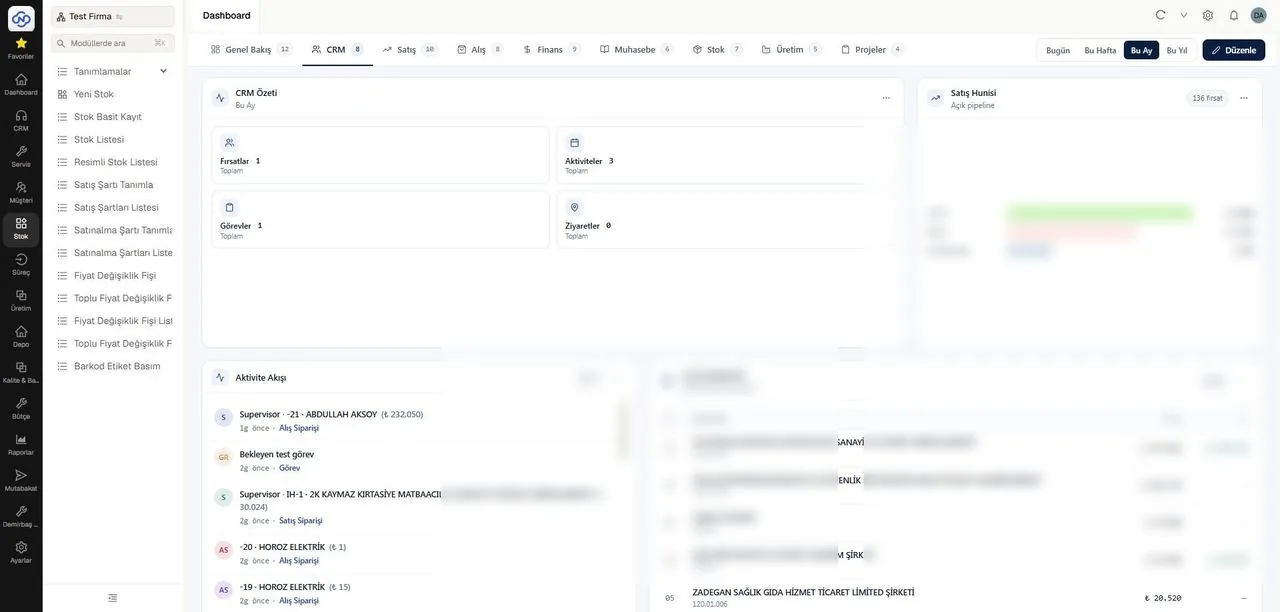
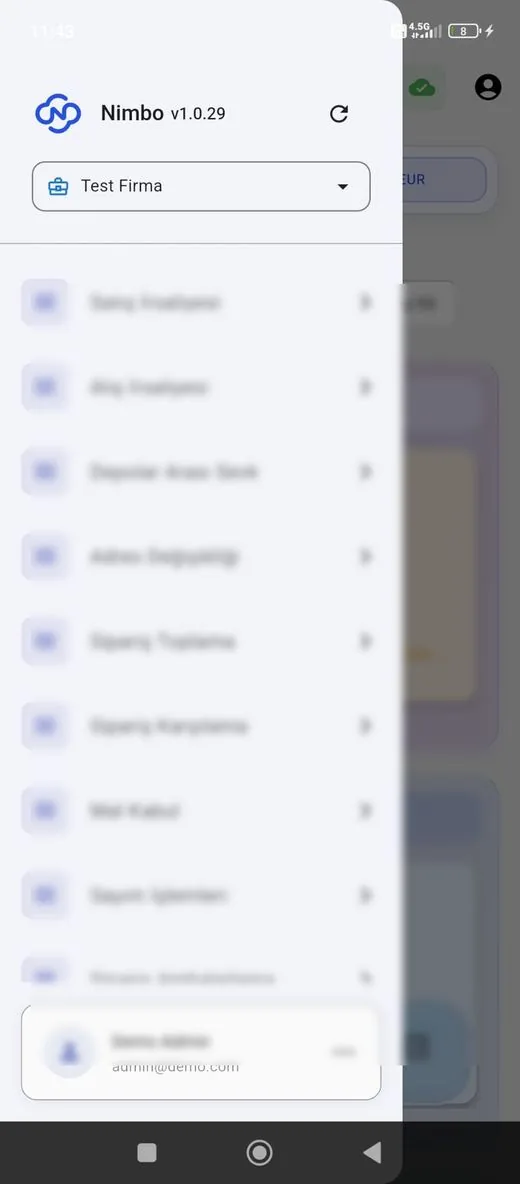
Representative screens — the module is configured for your business. Customer data has been blurred.
Which data flows in which direction?
- Asset details from purchase invoices
- Accounting codes and cost centres
- Employee and department definitions
- Branch and location definitions
- Depreciation calculation data
- Asset disposal records for scrapping or sale
- Assignment changes
- Stocktake discrepancy lists
NimboX runs directly on your Mikro database — there is no data transfer and no second copy. Records that do not exist in Mikro, such as opportunities, activities and work orders, are held in the NimboX database.
Scan and find an asset in seconds
Who has held it, and since when, is on record
Net book value stays current on the record
Common questions
Can we print the labels ourselves?
Yes. The system produces QR/barcode labels formatted for standard label printers, and labels can be printed in bulk.
Do we calculate depreciation in Mikro?
Depreciation parameters are defined on the asset record and tracked in the module, while the data needed for the accounting entry is passed to Mikro.
How does the check work when an employee leaves?
When the exit process starts, the list of assets held by that person is generated automatically, and the process cannot close until each item is marked as returned.
Can we count using a phone?
Yes. Counting can be done by scanning QR codes with a phone camera — a dedicated handheld device is not required.
Other NimboX modules
How would NimboX Asset Tracking work for you?
Let’s walk through your own processes in a short demo and clarify setup and pricing.