

NimboX B2B Dealer Portal
Let your dealers order around the clock at their own prices, and check their balance and shipments themselves.
Who uses the B2B Dealer Portal module
Checks stock and places orders at any hour, and downloads their own statement.
Monitors dealer ordering patterns and outstanding balances.
Stops re-typing orders that arrive by phone and messaging apps.
Routes orders from dealers over their limit straight to approval.
What you deal with today, and how it looks with NimboX
- Orders arrive by phone and chat and are typed in by hand
- Every dealer has to ask for prices and wait for confirmation
- "Do you have stock?" generates phone traffic all day
- Balance and statement requests keep accounting busy
- Dealers enter their own orders, which land in Mikro without transcription errors
- Dealers see their own price list and discounts the moment they log in
- Live stock levels are on the portal, with critical levels colour-coded
- Dealers download their own statements, open invoices and due dates
B2B Dealer Portal capabilities
Dealer-specific pricing
Each dealer sees their own price list, discount rate and campaigns on login, so pricing stays confidential between accounts.
Live stock visibility
Current Mikro stock is reflected on the portal. If you prefer, quantities can be shown as bands or simply as available / low / out of stock.
Online ordering and cart
Dealers build a cart or repeat a previous order in one click, and confirmed orders are created in Mikro automatically.
Account statements
Open balance, overdue amounts, payment history and downloadable statements are all available to the dealer.
Credit limit control
Orders from dealers over their limit, or with overdue balances, are routed automatically to an approval step.
Order and shipment tracking
Dealers follow their order through preparation, dispatch and delivery from the portal.
How does it work?
They sign in with their own credentials and land on their own price list.
They select items with live stock in view, or copy a previous order for a faster reorder.
Credit limit and payment terms are verified automatically, and the order goes to approval if needed.
The approved order is created in Mikro and reaches the warehouse, while the dealer follows progress on the portal.
NimboX B2B Dealer Portal in action
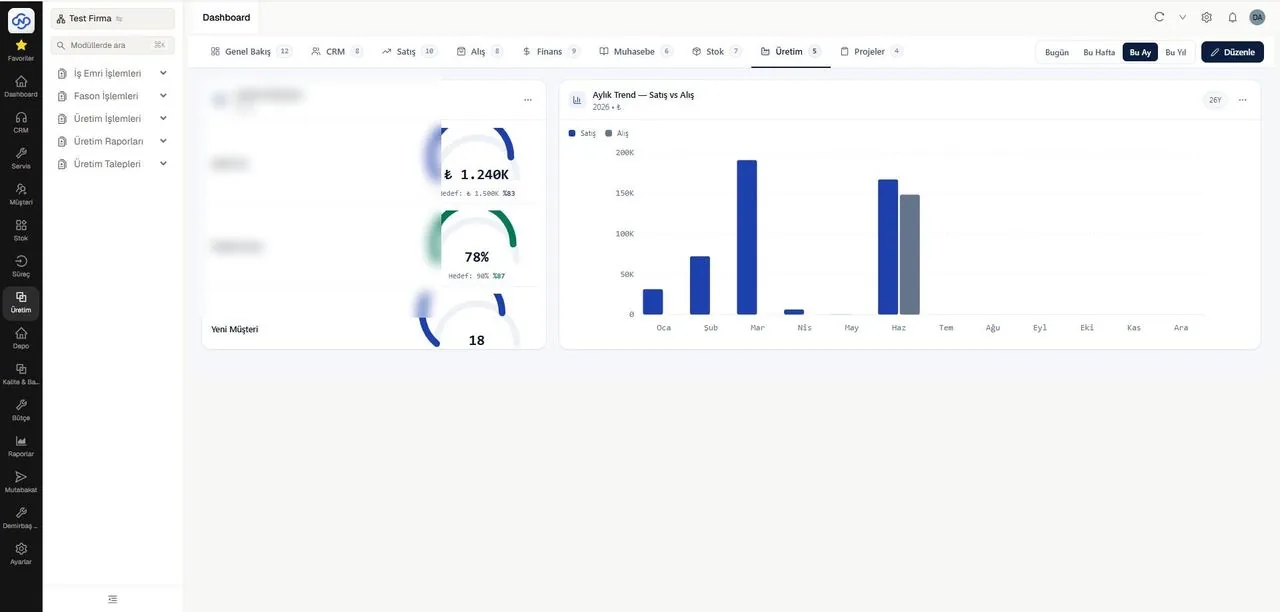
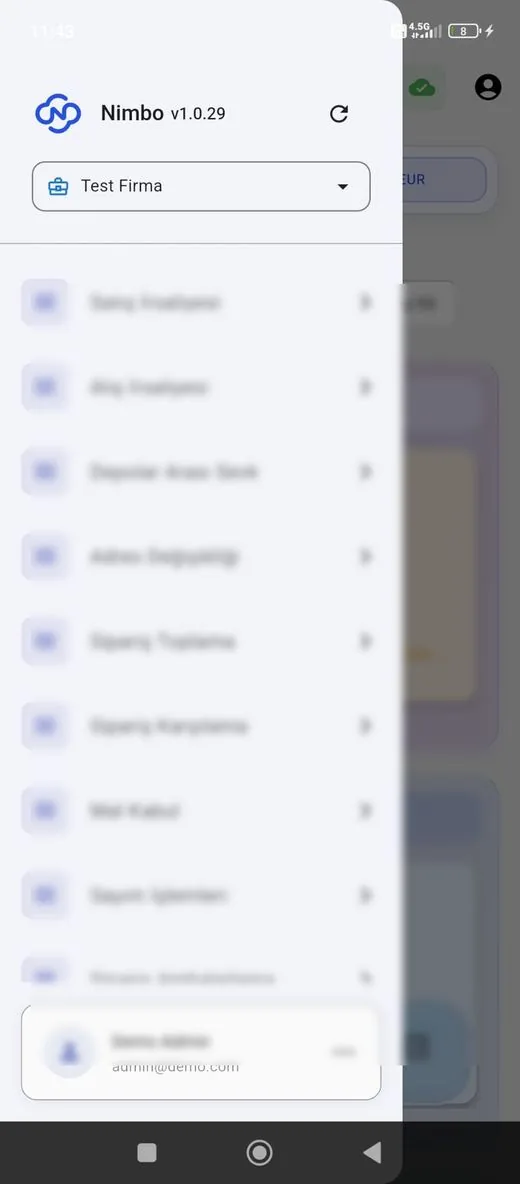
Representative screens — the module is configured for your business. Customer data has been blurred.
Which data flows in which direction?
- Dealer accounts and authorised users
- Dealer-specific price lists and discounts
- Stock levels and product information
- Balances, credit limits and payment terms
- Sales orders placed through the portal
- Dealer contact detail updates
- Order cancellation and revision requests
- Payment notifications submitted on the portal
NimboX runs directly on your Mikro database — there is no data transfer and no second copy. Records that do not exist in Mikro, such as opportunities, activities and work orders, are held in the NimboX database.
Orders keep arriving outside office hours
Orders reach Mikro exactly as the dealer entered them
Stock, price and statement questions are answered on the portal
Common questions
Our dealers have different price lists — does the portal handle that?
Yes. Price lists and dealer-level discounts defined in Mikro are reflected exactly, and each dealer only ever sees their own pricing.
We would rather not show exact stock quantities.
The display is configurable: real quantities, stock bands (for example 50+), or a simple available / low / out of stock indicator.
Can dealers manage their own users?
Yes. The main dealer user can create sub-users for their team and limit what each of them can do.
Is the portal mobile friendly?
Yes. It works fully on any phone or tablet, Android and iOS alike, so dealers can order from the field. No app installation is required.
How would NimboX B2B Dealer Portal work for you?
Let’s walk through your own processes in a short demo and clarify setup and pricing.