

NimboX WMS
Run receiving, put-away, picking and dispatch from a handheld device — and bring stock discrepancies down to zero.
Who uses the WMS module
Sees which order is being picked and who is working on what, in real time.
Picks and puts away by scanning barcodes — no more paper lists.
Stops short or wrong shipments with built-in verification steps.
Sees exactly where a stock discrepancy came from, movement by movement.
What you deal with today, and how it looks with NimboX
- Pick lists are printed on paper and errors surface only after shipping
- Where an item actually sits in the warehouse lives in people’s heads
- Stock discrepancies appear in bulk at year end with no traceable cause
- Batch, lot and expiry tracking is run out of spreadsheets
- Barcode-verified picking — the device warns the moment a wrong item is scanned
- Aisle-rack-bin addressing keeps every item’s location in the system
- Periodic rack counts and movement history reveal the gap and its source immediately
- Batch, serial and expiry tracking built in, with FEFO/FIFO picking guidance
WMS capabilities
Goods receipt and put-away
Scan the incoming delivery note on a handheld; the system suggests a suitable bin and posts the accepted quantity to Mikro stock immediately.
Aisle-rack-bin addressing
Define your warehouse as aisles, racks and bins. You can see where every item sits and how much of it is in each location.
Barcode-driven picking
Pick lists arrive on the handheld with an optimised route, and the device blocks the operation if the wrong item or quantity is scanned.
Batch, serial and expiry tracking
Batch-level traceability for food, chemical and pharmaceutical operations, with automatic dispatch order by expiry date (FEFO).
Counting and discrepancy control
Periodic rack counts or full stocktakes; the discrepancy list goes for approval and approved differences post as Mikro stock corrections.
Inter-warehouse transfers
Transfer requests between branches and warehouses, with in-transit visibility and a receiving step at the destination so nothing goes missing.
How does it work?
Orders created in Mikro drop into the preparation queue, sorted by priority and delivery date.
The operator takes the task on the handheld and follows the shortest route through the racks.
Each line is scanned as it is picked; if the item or quantity does not match, the system stops the operation.
After the verification step the pack is closed, the delivery note is created in Mikro and stock is deducted.
NimboX WMS in action
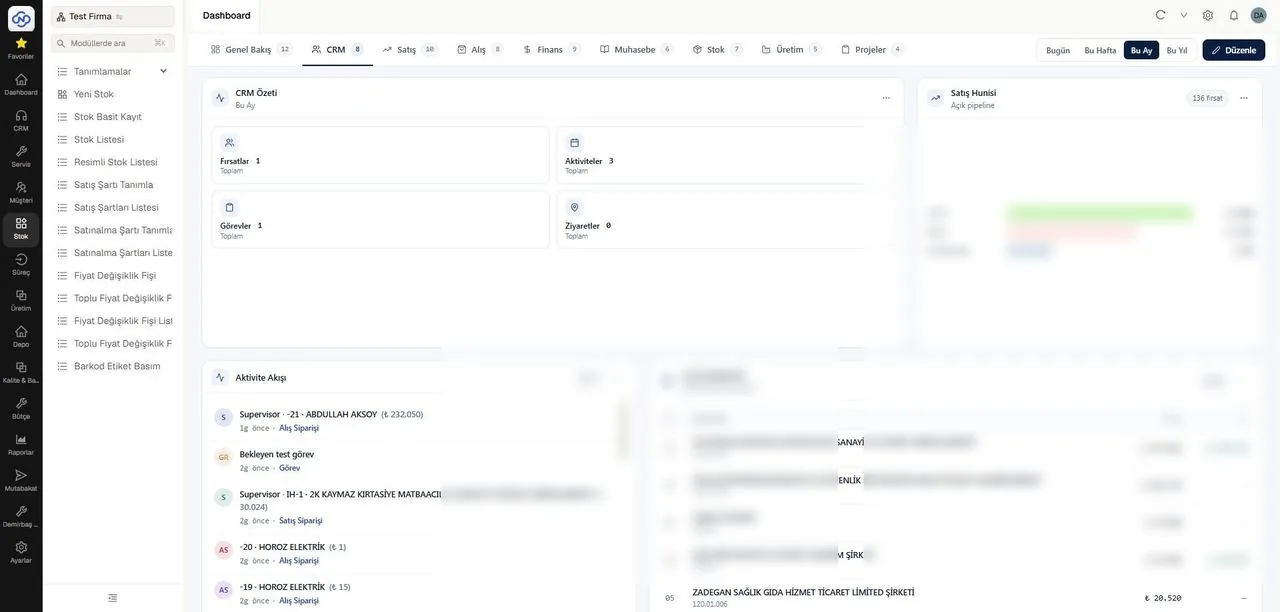
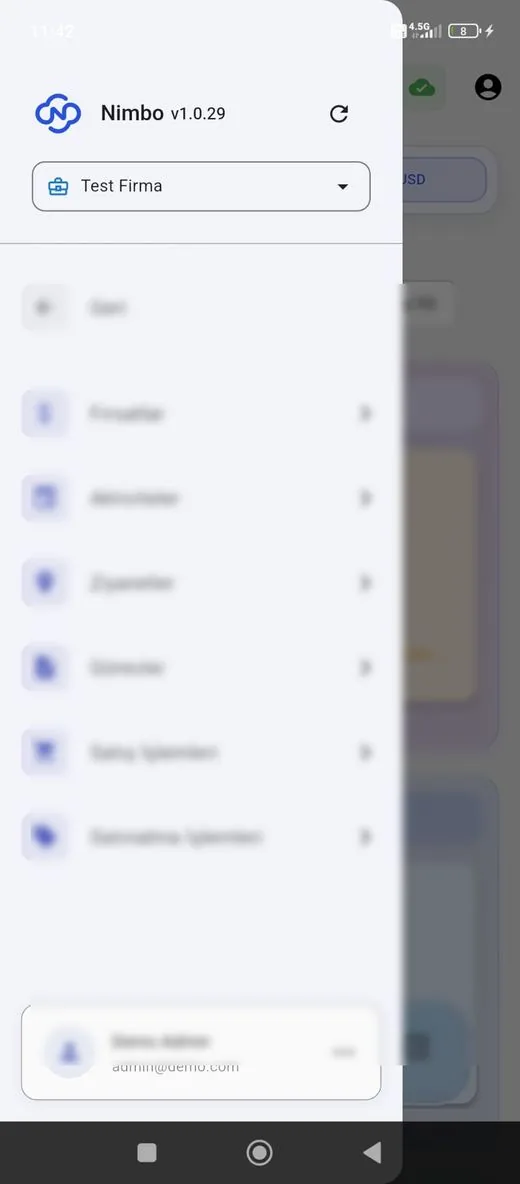
Representative screens — the module is configured for your business. Customer data has been blurred.
Which data flows in which direction?
- Stock cards, units and barcode definitions
- Open sales orders and their priorities
- Purchase orders and expected deliveries
- Warehouse definitions and current stock levels
- Goods receipt and inbound movements
- Delivery notes and stock issues after picking
- Stocktake correction entries
- Inter-warehouse transfer movements
NimboX runs directly on your Mikro database — there is no data transfer and no second copy. Records that do not exist in Mikro, such as opportunities, activities and work orders, are held in the NimboX database.
Wrong-item shipments are stopped at the device
Item locations live in the system, not in people’s memory
Every movement reaches Mikro stock without delay
Common questions
Which devices does it work with?
It runs in the browser on any phone or tablet — Android and iOS alike. Industrial handheld terminals (Android), desktop use with a wireless barcode scanner, and barcode scanning with a phone camera are all supported.
Can we keep our existing barcodes?
Yes. Your existing Mikro barcode definitions carry over, and where an item has no barcode you can generate and print labels from the system.
Does addressing the warehouse take long?
For a mid-sized warehouse, defining racks and bins usually takes a few days. If you prefer, you can start with critical product groups and extend the addressing gradually.
Do we have to halt the warehouse to run a count?
No. With periodic counting, selected racks are counted in turn while normal operations continue.
Other NimboX modules
How would NimboX WMS work for you?
Let’s walk through your own processes in a short demo and clarify setup and pricing.