
NimboX Human Resources
Bring employee records, leave, shifts and assigned equipment together — and get HR out of spreadsheets.
Who uses the Human Resources module
Manages personnel files, leave balances and document renewals from one screen.
Approves leave requests and sees attendance and overtime for their team.
Requests leave from a phone and checks their own balance and payslips.
Receives approved leave and overtime data ready for payroll.
What you deal with today, and how it looks with NimboX
- Personnel information is spread across folders and separate spreadsheets
- Leave requests circulate on paper and balances are calculated by hand
- Overtime records are pieced together at the end of the month
- Nobody knows who is holding which company device
- All employee data, documents and history sit on a single record
- Leave is requested in the system and balances are calculated automatically
- Overtime and absence are recorded daily and arrive at payroll ready to use
- Assigned equipment is linked to the employee record with a signed handover
Human Resources capabilities
Employee records
Identity, contact, education, contract and salary details on one card, with ID copies, diplomas and health reports attached.
Leave requests and approvals
Employees submit requests in the system; entitlement is calculated automatically from length of service and the approval reaches the manager as a notification.
Shifts and attendance
Shift plans are built on a calendar, while check-in, absence and overtime are recorded daily and roll up into a monthly timesheet.
Equipment assignment
Phones, computers and vehicles issued to employees are recorded, and an itemised return checklist is produced when they leave.
Document and expiry tracking
Contract end dates, health reports, driving licences and certificates are monitored, with alerts as expiry dates approach.
Recruitment and candidate pool
Open positions, applications and interview stages are tracked, and candidate records are kept for future openings.
How does it work?
Start date, contract and documents are recorded, and equipment is assigned.
Shifts, absences and overtime are entered day by day or imported from your time-clock system.
Leave, advance and expense requests reach the manager, and the approval history is retained.
Monthly timesheets and approved leave are exported in a form payroll can use directly.
NimboX Human Resources in action
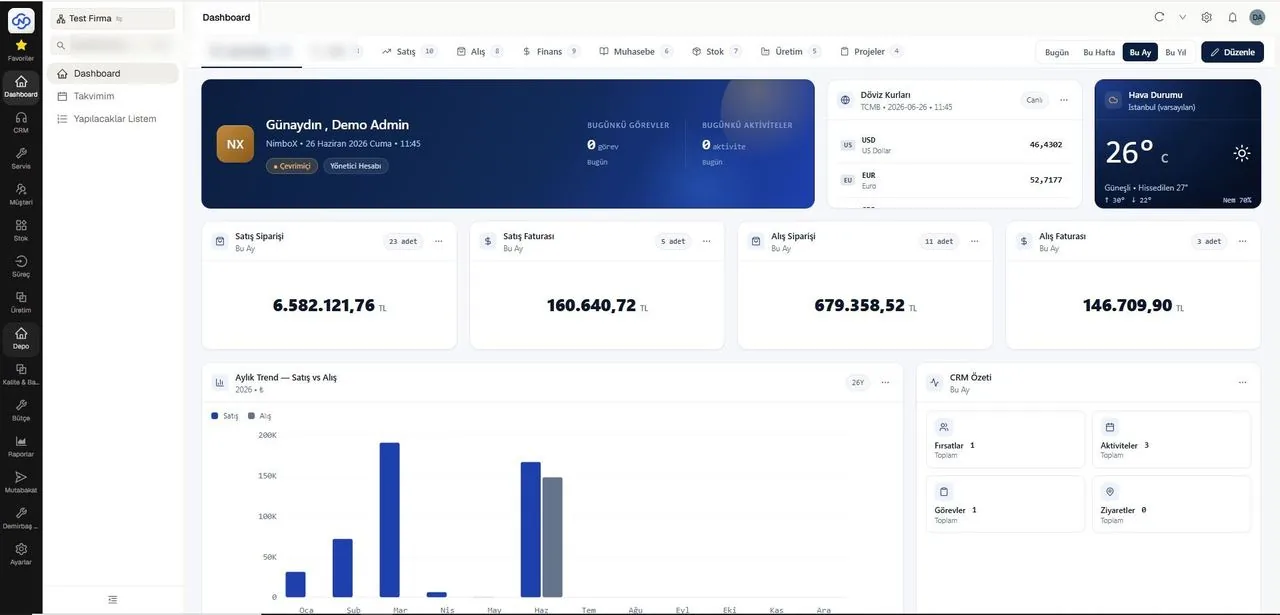
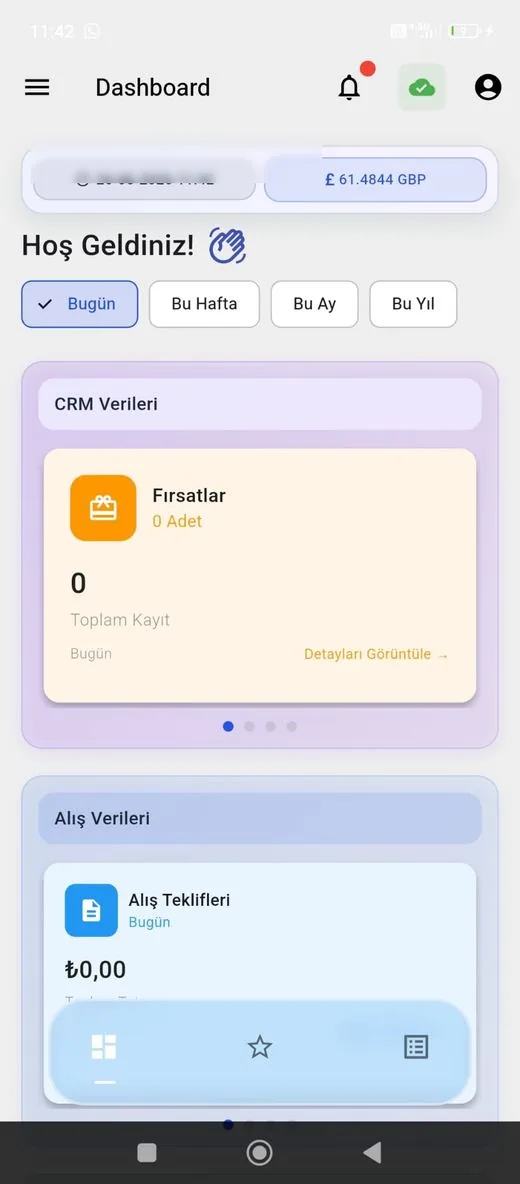
Representative screens — the module is configured for your business. Customer data has been blurred.
Which data flows in which direction?
- Employee records and department definitions
- Cost centres
- Fixed asset and equipment records
- Accounting codes
- Monthly timesheet and overtime data
- Approved leave and absence records
- Advance and expense requests
- Equipment assignment changes
NimboX runs directly on your Mikro database — there is no data transfer and no second copy. Records that do not exist in Mikro, such as opportunities, activities and work orders, are held in the NimboX database.
Documents and history collected on the employee record
Entitlement is calculated from length of service
Timesheets are not reassembled at month end
Common questions
Does it integrate with our time-clock system?
Records from common time and attendance devices can be imported by file or API, and check-in data flows straight into the timesheet.
Can employees see their own information?
Yes. From the employee screen they can view their leave balance, the status of their requests and documents shared with them. The screen also works fully on Android and iOS phones.
Can everyone see salary information?
No. Sensitive fields such as salary and contract terms are restricted to authorised HR users; managers see only the operational information for their own team.
Does this module run payroll?
The module produces timesheet, leave and overtime data ready for payroll. The payroll calculation itself is performed in the relevant Mikro module or by your financial advisor.
Other NimboX modules
How would NimboX Human Resources work for you?
Let’s walk through your own processes in a short demo and clarify setup and pricing.