

Mikro Warehouse Management
Know what you have, and where it is.
 What is included
- Stock tracked by warehouse
- Inter-warehouse transfers
- In-transit visibility
- Location-based stocktaking
- Minimum stock alerts
Who it suits
Businesses holding stock at several locations.
Operations moving stock between a main store and regional depots.
Companies stocking parts in vans and at customer sites.
Operations separating raw material, WIP and finished goods.
What it covers
Multi-warehouse structure
Branches, main stores and service vans defined as separate warehouses with their own stock.
Transfers
Transfer requests, dispatch and receipt steps so stock is never lost between locations.
In-transit stock
Goods on the move are visible rather than disappearing until they arrive.
Location stocktaking
Counts run per warehouse, with discrepancy lists produced for approval.
Tip: Define a warehouse for every place stock physically sits — including service vans. Stock that lives nowhere in the system is stock you will eventually lose.
Live in three steps
Warehouses and locations are defined to match physical reality.
Transfer flows, minimum levels and authorisations are set up.
A first full count establishes an accurate baseline.
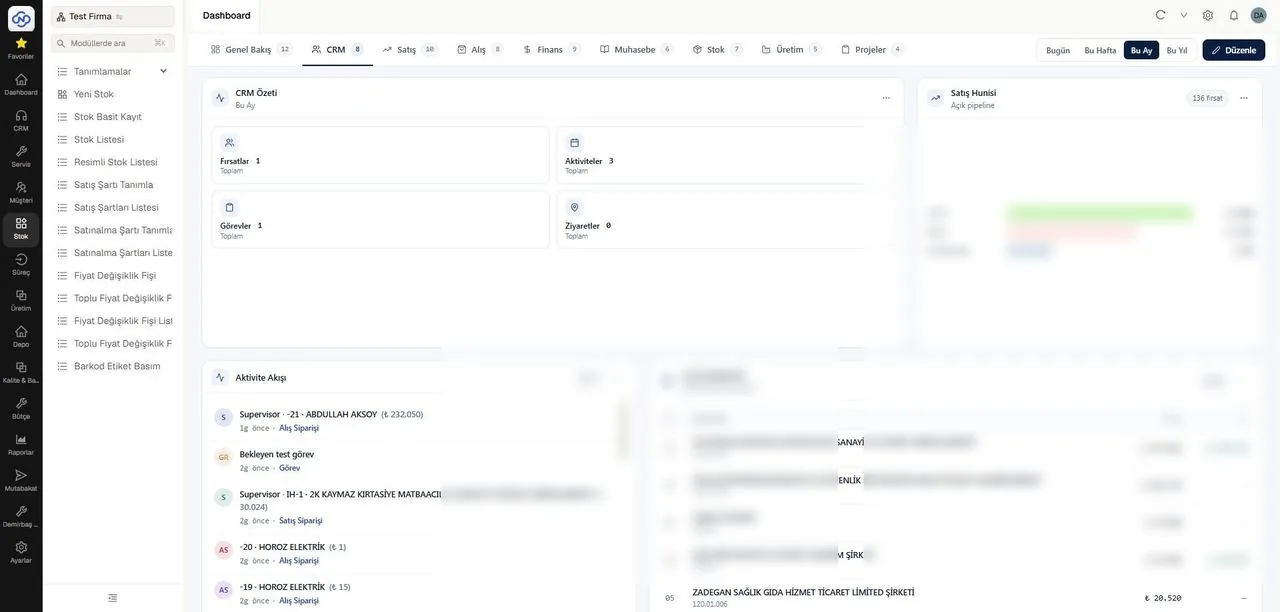
A view from a Nimbo integrated solution
Common questions
Can we define service vans as warehouses?
Yes. Each van becomes its own warehouse, so parts used in the field are deducted from the right place.
How do we handle stock in transit?
Transfers use a dispatch and receipt pair, so goods sit in an in-transit state until the destination confirms.
Can each branch count independently?
Yes. Counts are run per warehouse without stopping the others.
Does it work with barcode scanning?
Yes, and it is worth doing. Scanned transfers and counts remove most of the errors manual entry introduces.
Keep exploring
Let us show you how Mikro Warehouse Management works in your business
Let us walk through it together in a short demo — your data, your scenario, your questions answered live.