
Mikro Training
Software people know how to use is worth more.
 Training scope
- Role-based training
- On-site or remote delivery
- Training on your own data
- New-starter onboarding
- Refresher sessions after upgrades
Who it suits
Teams going live and needing confidence from day one.
Businesses hiring regularly and onboarding repeatedly.
Teams using a fraction of what they already own.
Users who need to know what changed and why.
How we train
Role-based sessions
Separate sessions for sales, warehouse, accounting and management rather than one generic course.
Hands-on format
People work through their own real tasks rather than watching a demonstration.
Your own data
Training runs on a copy of your data, so the screens look like the ones they will use.
New-starter onboarding
Repeatable sessions so a new hire does not depend on a colleague’s spare time.
Tip: Train by role, not by module. A warehouse operator sitting through an accounting session learns nothing and remembers less.
Live in three steps
Current usage and gaps are identified by role.
Hands-on sessions run on your own data.
Reference material is provided and refreshers scheduled.
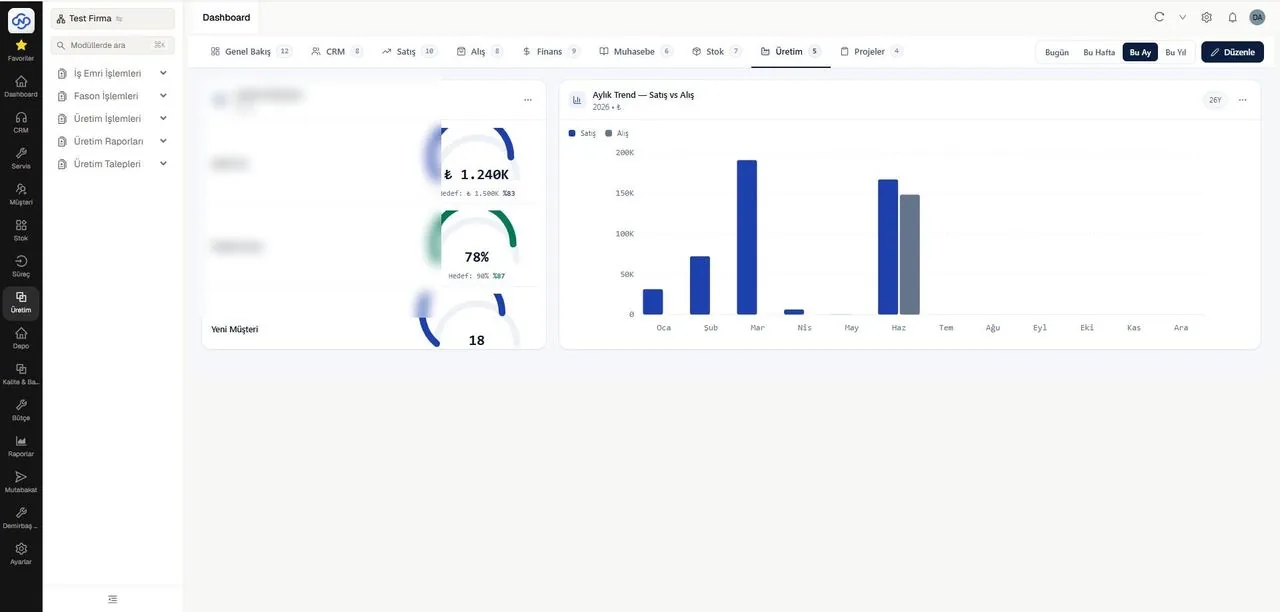
A view from a Nimbo integrated solution
Common questions
On site or remote?
Both. Hands-on operational training usually works better on site; refreshers and follow-ups work well remotely.
How long does a session take?
Role-based sessions typically run half a day. Full onboarding for a new team is usually spread over several sessions.
Can you train new starters later?
Yes. Onboarding sessions can be scheduled as you hire, individually or in groups.
What if people forget?
That is normal, which is why we provide short reference guides and schedule refreshers rather than treating training as a one-off event.
Keep exploring
Let us show you how Mikro Training works in your business
Let us walk through it together in a short demo — your data, your scenario, your questions answered live.