

NimboX Budget Management
Plan departmental budgets, compare them against actuals, and see the variance without waiting for month end.
Who uses the Budget Management module
Tracks budget variance by department and account.
Sees how much of their own budget has been used, at any moment.
Spots spending with no budget behind it while it is still a request.
Keeps the year-end forecast anchored to real data.
What you deal with today, and how it looks with NimboX
- The budget is built in a spreadsheet in January and forgotten in a folder
- Variance is discovered only after the month has closed
- Department managers do not know how much of their budget is left
- Unbudgeted spending surfaces after the order has been placed
- The budget lives in the system, with actuals flowing in from Mikro
- Variance updates itself as spending happens
- Every manager sees their own budget utilisation on screen
- Budget is checked at the request stage and overruns route to approval
Budget Management capabilities
Budgeting by department and account
Plan by cost centre, accounting code and period, and generate a fast first draft from last year’s figures.
Budget versus actual
Actual spending from Mikro is matched to budget lines, with monthly and cumulative variance shown in both value and percentage.
Variance alerts
Lines that pass a threshold you set — say 85% utilisation — raise an automatic alert, and critical variances surface on the dashboard.
Scenarios and revisions
In-year revisions are kept as versions, so optimistic and conservative scenarios can be compared side by side.
Purchase budget checks
When a purchase request is entered, the remaining balance on the relevant budget line is checked and any overrun is routed to approval.
Year-end projection
The year-end forecast is updated from actuals, so you can see well in advance whether the remaining budget will hold.
How does it work?
Departments enter their own lines, or a draft is generated from prior-year figures.
The budget is submitted to management, and the approved version is locked as the reference.
Invoices and expense entries in Mikro are matched automatically to the relevant budget line.
Variance is visible without waiting for the monthly close, and a revision version can be opened if needed.
NimboX Budget Management in action
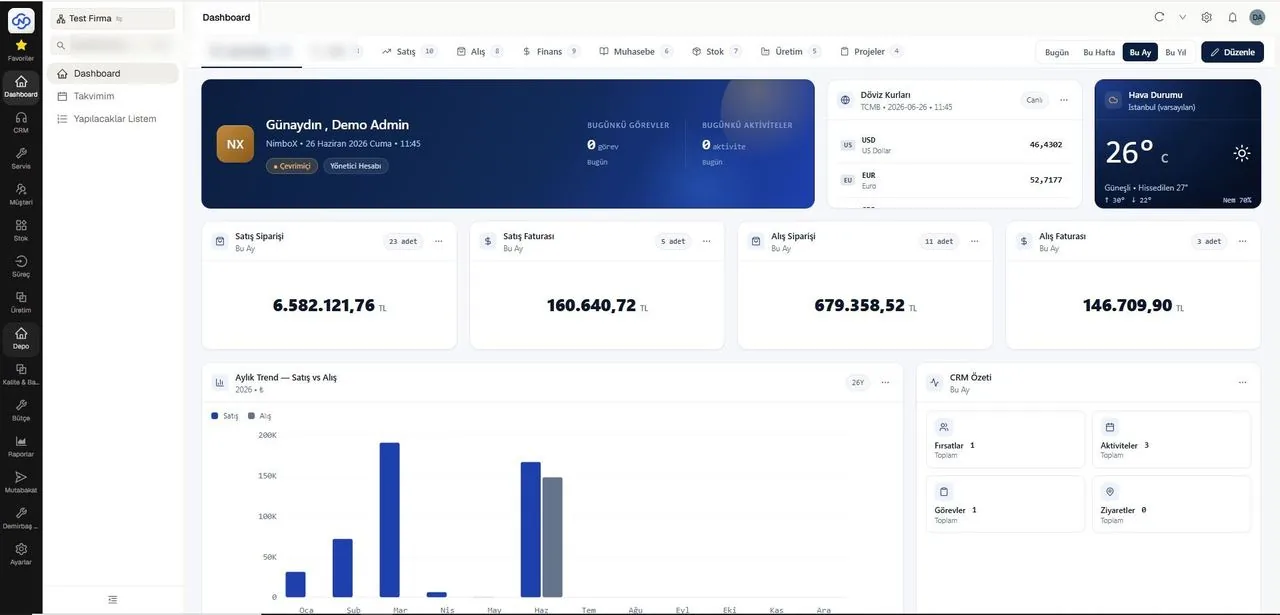
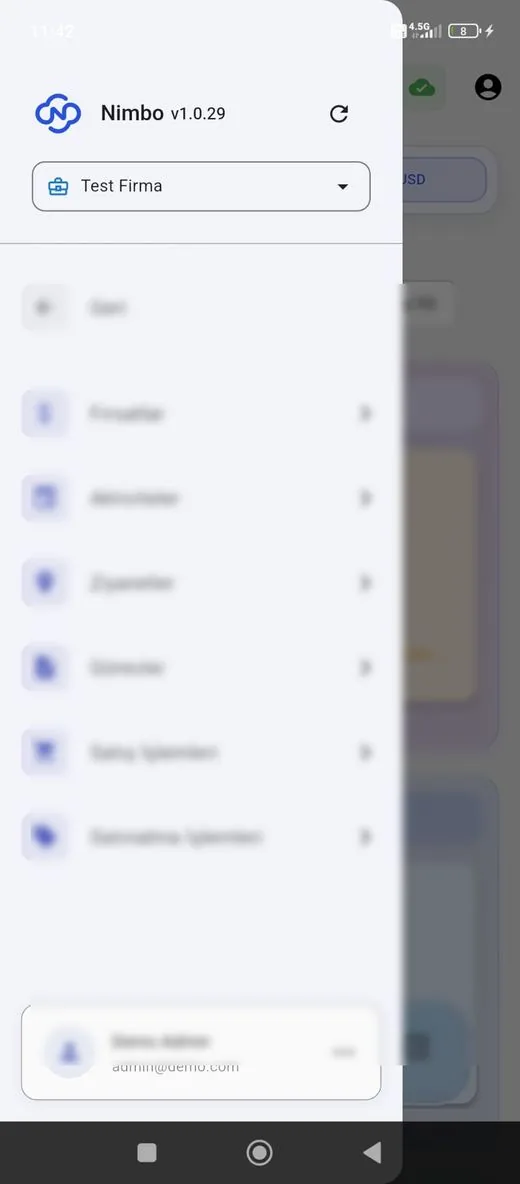
Representative screens — the module is configured for your business. Customer data has been blurred.
Which data flows in which direction?
- Cost centres and the chart of accounts
- Purchase invoices and expense vouchers
- Purchase orders as committed amounts
- Department and employee definitions
- Budget code mappings
- Budget overrun flags and approval notes
- Approved budget figures for reporting
- Revision records
NimboX runs directly on your Mikro database — there is no data transfer and no second copy. Records that do not exist in Mikro, such as opportunities, activities and work orders, are held in the NimboX database.
Visible without waiting for the month-end close
Unbudgeted spend is caught before the order
Revisions are versioned and comparable
Common questions
At what level can we build the budget?
You can plan by cost centre, accounting code, project and period — monthly or quarterly — and additional breakdowns can be defined as needed.
Where do the actuals come from?
Directly from Mikro: purchase invoices, expense vouchers and, optionally, open purchase orders included as commitments.
Can we revise the budget during the year?
Yes. A revision opens as a new version while the previous one is retained for comparison, so you can see which line changed and why.
Can department managers see each other’s budgets?
No. Permissions restrict each manager to their own cost centre, while senior management sees the consolidated view.
Other NimboX modules
How would NimboX Budget Management work for you?
Let’s walk through your own processes in a short demo and clarify setup and pricing.