

NimboX Reconciliation
Send account and BA/BS reconciliations in one go, collect the responses automatically, and see differences line by line.
Who uses the Reconciliation module
Sees who has agreed at period end and how large the remaining differences are.
Sends hundreds of reconciliation letters at once instead of preparing them one by one.
Checks a client’s BA/BS consistency before the period closes.
Traces the source of each difference down to the individual transaction.
What you deal with today, and how it looks with NimboX
- Reconciliation letters are prepared one by one in spreadsheets and emailed manually
- There is no way to track who replied and who agreed
- When a difference appears, finding the invoice behind it takes hours
- BA/BS forms are checked in a rush at period end
- Letters are generated from Mikro balances and sent to hundreds of accounts in one action
- Sent, viewed, agreed and disputed states are all visible in one list
- Automatic matching against the counterparty’s list flags the differing lines
- BA/BS reconciliation happens during the month, so mismatches surface early
Reconciliation capabilities
Bulk account reconciliation
Reconciliation letters are produced from your Mikro balances and emailed to hundreds of accounts in a single operation.
BA/BS reconciliation
Monthly purchase and sales totals are compared with the counterparty so mismatches are found before the form is filed.
Response portal
The counterparty answers "agreed" or "disputed" through a link, and can enter their own balance and explanation.
Automatic difference matching
When the counterparty’s transaction list is uploaded, the system matches on invoice number and amount and flags anything that does not reconcile.
Status dashboard
Sent, viewed, agreed, disputed and unanswered records are colour-coded in one list, with reminders sent to those who have not replied.
Period archive and reporting
Every period’s reconciliations, responses and attachments are archived and can be produced as evidence during an audit.
How does it work?
Choose the reconciliation period and either all accounts or a specific group.
Letters are built from Mikro balances and sent in bulk using your corporate template.
Counterparties reply through the link and the dashboard updates itself automatically.
Disputed records are matched line by line, and each explained difference is routed to the responsible team.
NimboX Reconciliation in action
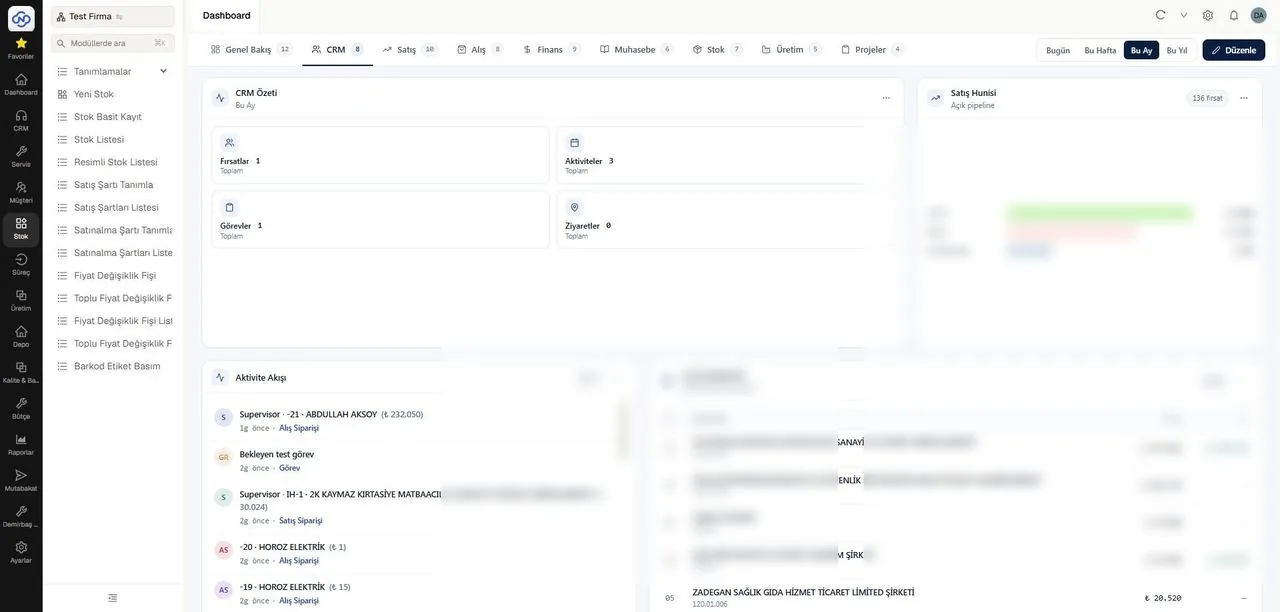
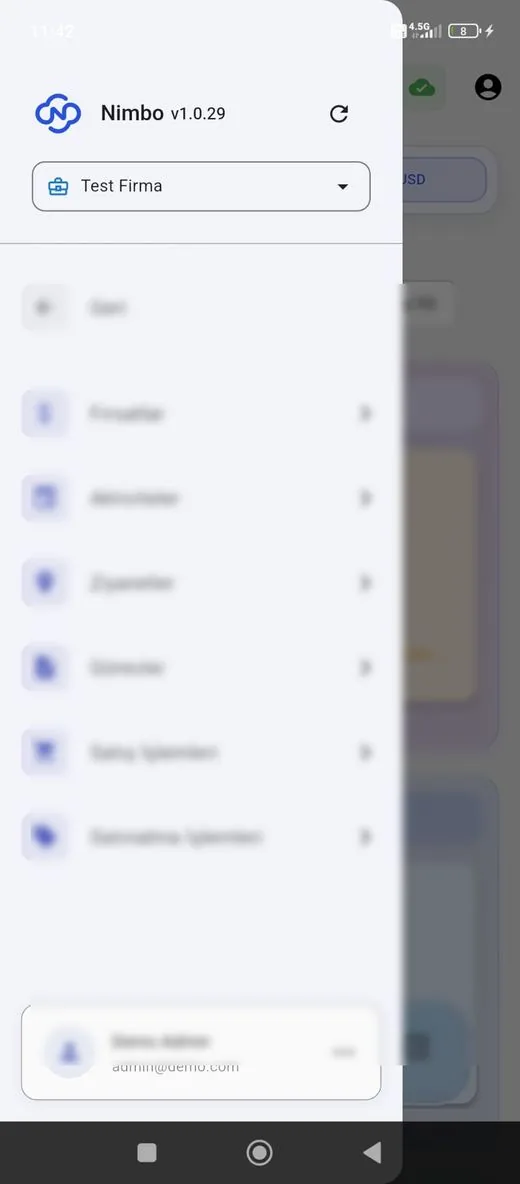
Representative screens — the module is configured for your business. Customer data has been blurred.
Which data flows in which direction?
- Customer and supplier records with email addresses
- Account movements and balances
- Purchase and sales invoices for BA/BS
- Period and accounting close information
- Reconciliation status notes on the account record
- Identified difference records
- Responses and dispute documents as attachments
- Flags on movements requiring correction
NimboX runs directly on your Mikro database — there is no data transfer and no second copy. Records that do not exist in Mikro, such as opportunities, activities and work orders, are held in the NimboX database.
Hundreds of reconciliations leave in one operation
Differences are pinpointed line by line
Responses are retained for audit purposes
Common questions
Does the counterparty need to use our system?
No. They reply through a link in the email they receive — no software to install and no account to create.
Do the letters carry our letterhead?
Yes. The template is prepared with your logo and corporate colours, and the signature block and contact details are set up for your company.
When should BA/BS reconciliation be done?
Ideally during the month, before the period closes. A mismatch caught early can still be corrected before the form is filed.
What happens to accounts that never reply?
Reminders are sent automatically at the interval you choose, and unanswered accounts are listed in their own category on the dashboard.
Other NimboX modules
How would NimboX Reconciliation work for you?
Let’s walk through your own processes in a short demo and clarify setup and pricing.