

NimboX Process Management
Move approvals out of email threads: see what is waiting, with whom, and for how long.
Who uses the Process Management module
Sees everything waiting on their approval in one list and signs off from a phone.
Runs request → quote → approval → order step by step.
Standardises recurring processes such as leave, advances and expenses with proper forms.
Sees exactly where each process gets stuck, measured in real time.
What you deal with today, and how it looks with NimboX
- Approvals travel by email and chat, leaving no record
- Nobody can say which stage a request is at or who is holding it
- The same task is handled differently every time
- Delayed approvals are noticed only when somebody chases them
- Every approval step is recorded with who approved it, when, and with what note
- The current step and the responsible person are visible at all times
- Process templates put every request through the same steps
- When a step exceeds its target time, reminders fire and the item escalates
Process Management capabilities
Visual process designer
Define approval steps, conditions and owners with drag and drop. Different approval chains can be triggered by value thresholds.
Dynamic form builder
Design your own form for each process: mandatory fields, dropdowns, file attachments and calculated fields.
Multi-level approvals
Automatic routing by amount, department or cost centre, with full support for delegation and stand-in approvers.
Timing and escalation
Each step carries a target duration; when it is exceeded a reminder is sent and, if needed, the item escalates to the next level.
Mobile approval
Managers review pending requests on their phone and approve with a single tap, or send them back with a note.
Process analytics
How long each process takes on average, where it waits longest and who the bottleneck is — all measured and reported.
How does it work?
The user picks the relevant process, fills in the form and attaches any supporting documents.
The approval chain is determined automatically from amount and department rules.
Each approver is notified; approvals, rejections and requests for more information are all recorded with notes.
An approved purchase request becomes a Mikro order, and an expense request becomes the relevant accounting entry.
NimboX Process Management in action
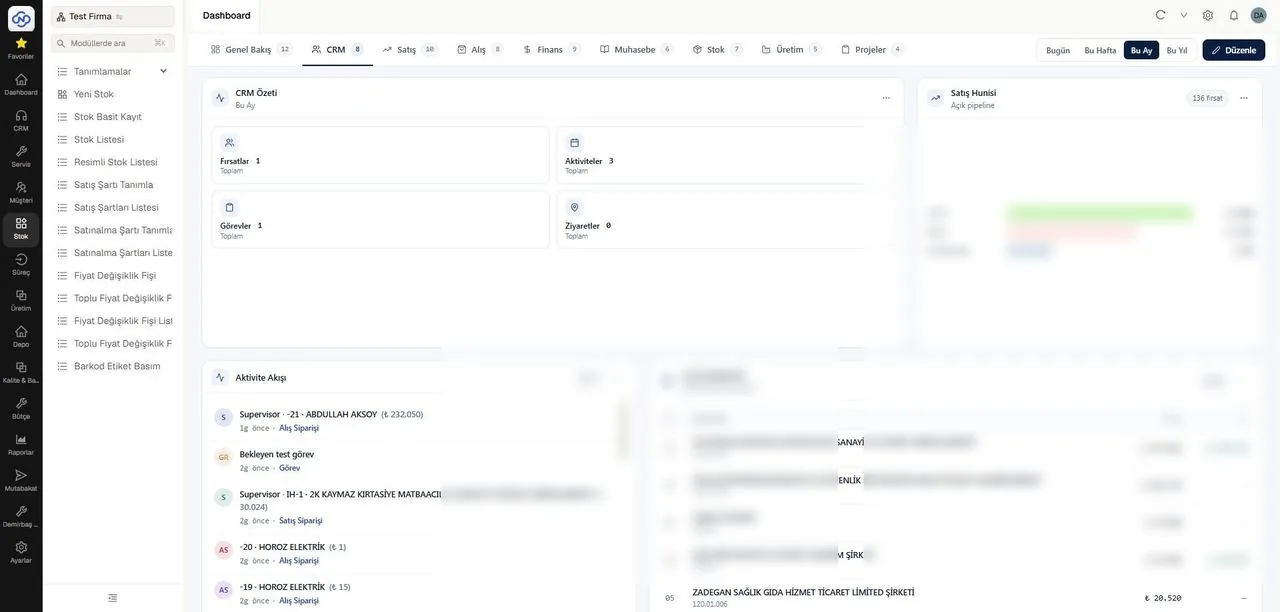
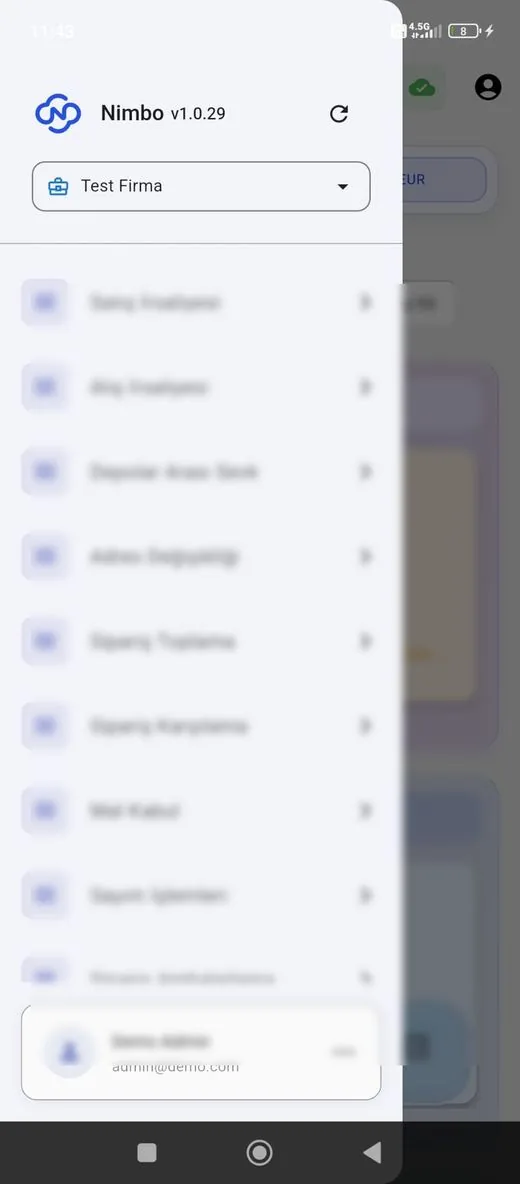
Representative screens — the module is configured for your business. Customer data has been blurred.
Which data flows in which direction?
- Customer and supplier records
- Stock cards and pricing
- Cost centres and accounting codes
- Employee and department definitions
- Approved purchase orders
- Expense and advance entries
- Approved price and discount changes
- Resulting customer account movements
NimboX runs directly on your Mikro database — there is no data transfer and no second copy. Records that do not exist in Mikro, such as opportunities, activities and work orders, are held in the NimboX database.
Every approval step is stored with its author and timestamp
Managers no longer block work while out of the office
You can measure exactly which step causes delays
Common questions
How many different processes can we define?
There is no limit. Purchase requests, expense approvals, leave, advances, price and discount approvals, new customer setup and more are each defined as separate templates.
What happens when an approver is on leave?
Nothing stops. With a delegation rule, requests are routed automatically to the stand-in for the dates you specify.
Do we have to change the way we work today?
The process is modelled on your existing workflow. The aim is not to change how you work, but to record it and make delays visible.
How does an approved request reach Mikro?
The record created at the end of the process — an order, expense voucher and so on — is written to Mikro automatically, with no extra data entry for accounting.
Other NimboX modules
How would NimboX Process Management work for you?
Let’s walk through your own processes in a short demo and clarify setup and pricing.